Book your free demo now!
Fill in your details and our team will get you started.
Enter your Email ID
Share your email ID and we'll get in touch to help you out

Trusted By 75,000+ merchants
Next-Gen Point of Sale & Restaurant
Management Solution
From fine-dining restaurants to quick-service cafés, businesses across the UAE rely on speed, consistency and great customer experiences. Trusted by thousands of restaurants, QueueBuster’s Restaurant POS Billing Software helps manage billing, inventory, staff operations and VAT compliance with ease, making day-to-day restaurant operations smoother and more efficient.





Book your free demo now!
Fill in your details and our team will get you started.
Enter your Email ID
Share your email ID and we'll get in touch to help you out
Trusted By 75,000+ merchants
Features That Fit Your Business

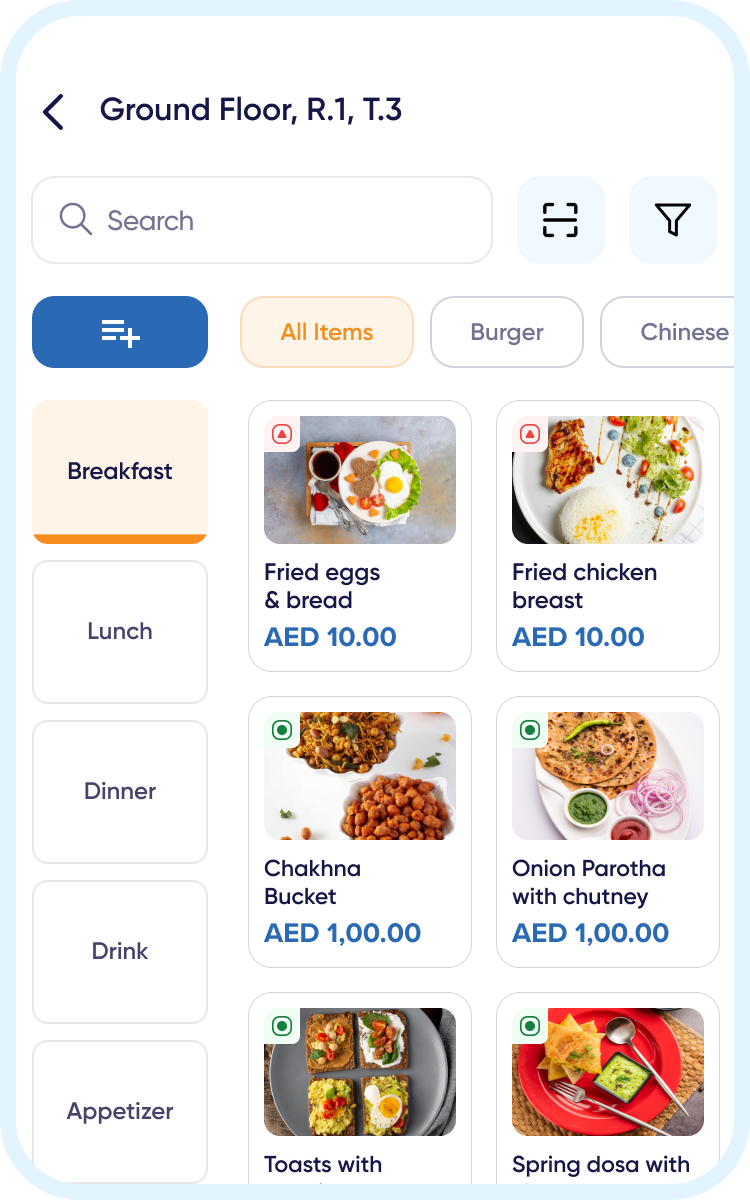
Smarter Menus, Faster Ordering
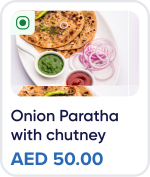
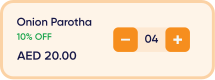
Managing a restaurant menu is not just about listing dishes. It is about keeping your offerings updated, organized and easy for staff to use during busy hours. QueueBuster makes menu management simple by letting you create and update menu items in just a few taps, organize dishes by category, add modifiers and combos, and control pricing with ease.

Maintain Taste & Quality
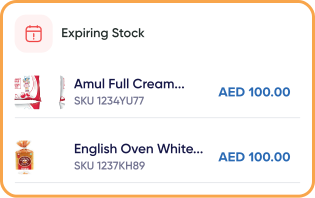
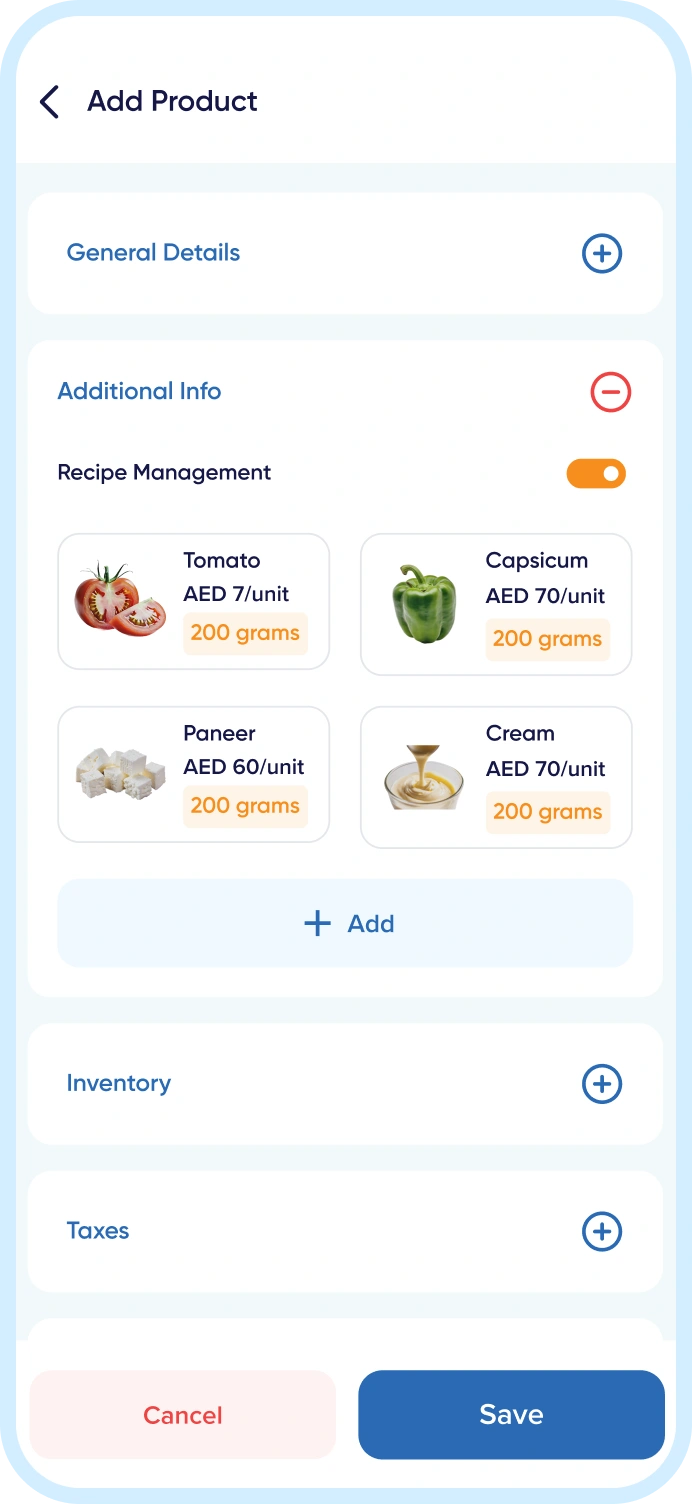
Recipe consistency defines your brand’s reputation. With QueueBuster, every dish can have a defined recipe linked to its ingredients and portions. This ensures the same taste and quality are maintained across all kitchens and outlets. It helps track food cost, reduce wastage, and manage central recipes, so chefs can focus more on creativity and less on manual tracking.


Smart Tables, Smooth Service
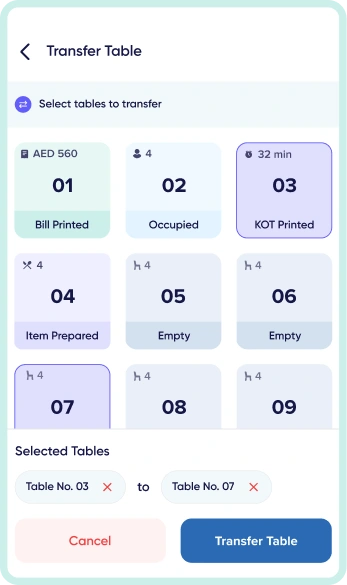
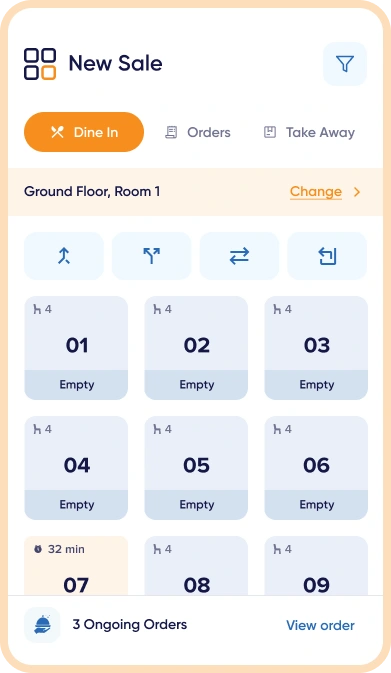
Managing tables during busy hours can get tricky. QueueBuster makes it easy to view your entire restaurant layout on one screen, see which tables are free, occupied, or reserved, and handle everything with a few taps. You can merge or split tables for large groups, assign servers instantly, and track the dining progress for every guest.



Centralized order control
Managing a busy restaurant floor means coordinating tables, waiters and kitchen orders all at once, and any gap in communication leads to delays, wrong orders or frustrated customers. QueueBuster’s Captain and Waiter App keeps your entire floor connected in real time, so orders flow from table to kitchen without confusion, and your team always knows exactly what’s happening across every section.



Faster Orders, Happier Guests
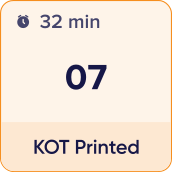
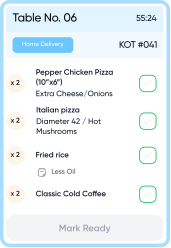
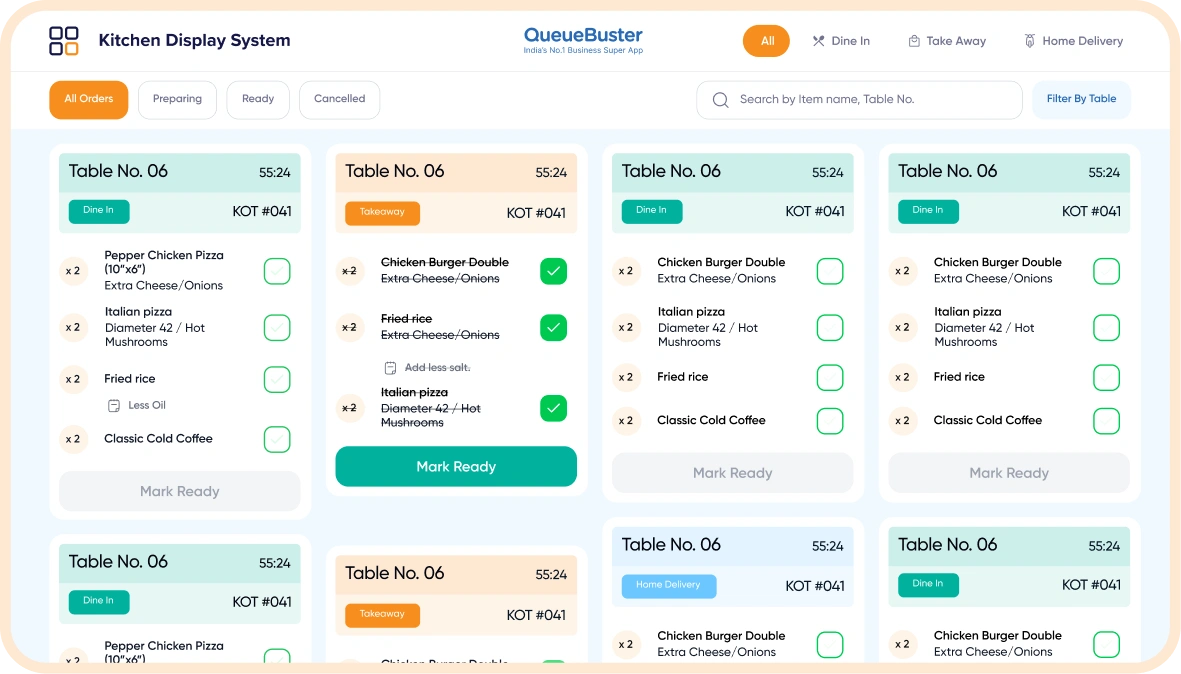
QueueBuster helps your waiters and kitchen staff stay perfectly in sync. When an order is taken, it goes directly to the kitchen through KOT (Kitchen Order Ticket) printers or digital KDS (Kitchen Display System) screens. No confusion, no delays, and no missed items. Your kitchen gets clear instructions, and chefs can update order status in real time. The staff instantly sees when food is ready to serve, which improves communication, reduces wait time, and keeps your guests happy.


Turn Insights into Growth
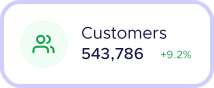
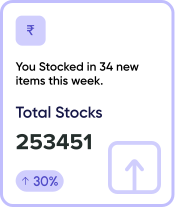
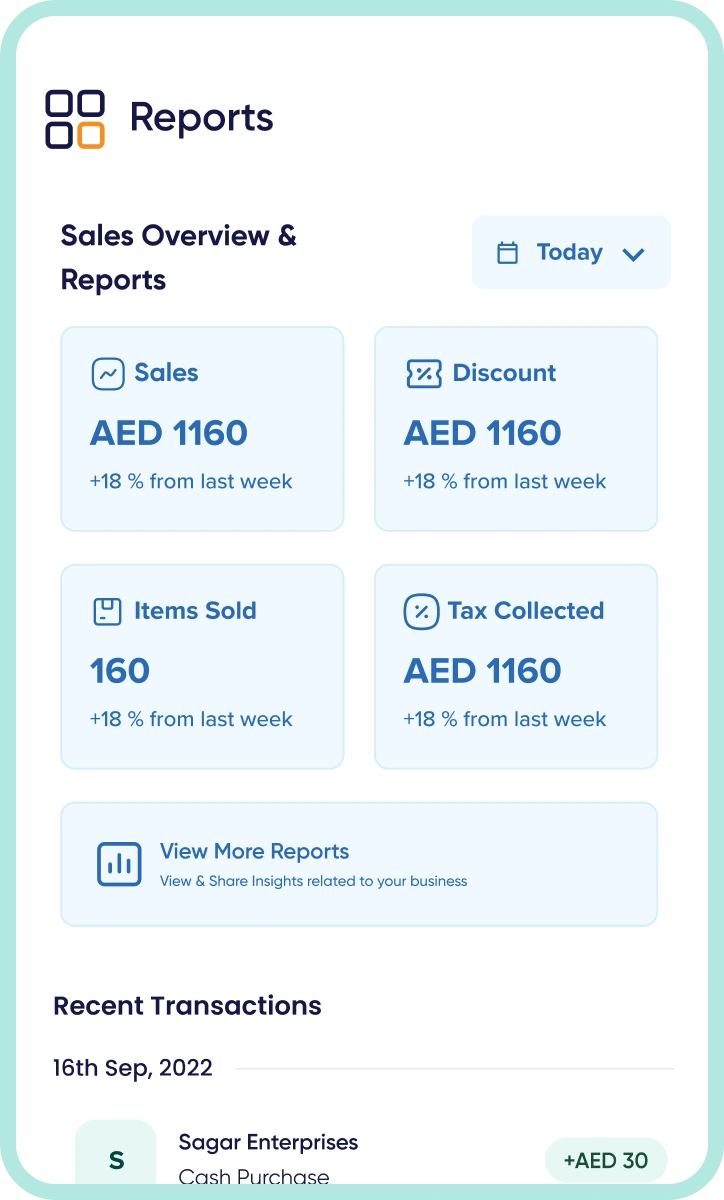
Data-driven decisions help restaurants grow smarter and faster. With QueueBuster, you get real-time visibility into sales trends, customer preferences, peak hours, bestselling items and staff performance. These actionable insights help you improve service, optimize operations, reduce wastage and make better business decisions that drive efficiency, customer satisfaction and long-term profitability every day.

Other Important Features for
Fine Dine Restaurant POS Software
Easily create, edit, and update your restaurant’s menu anytime. Add categories, dishes, prices, and descriptions in both English and Arabic. Perfect for multi-cuisine and seasonal menus.
Connect your restaurant to delivery platforms, payment gateways, ERP tools, CRM systems and accounting software, all in one place.
Offer customization and combos to delight your guests. Add extra toppings, sauces, or sides, and create combo meals that make ordering faster and more profitable.
Let customers split bills between multiple people or payment modes. Accept part cash, part card, or wallet payments easily, all in one invoice.

Pause orders during busy service or manage complimentary dishes without billing. Useful for VIP guests or special cases during rush hours
Run multiple restaurants or branches from one system. Keep menus, pricing, and recipes in sync while tracking performance outlet-wise.
Restaurants Types
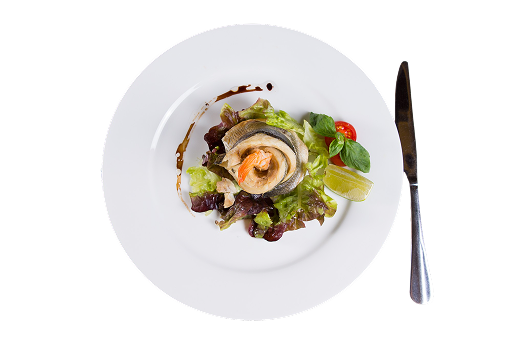
Fine Dine
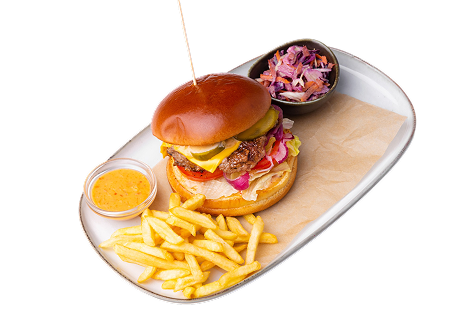
Quick Service Restaurants
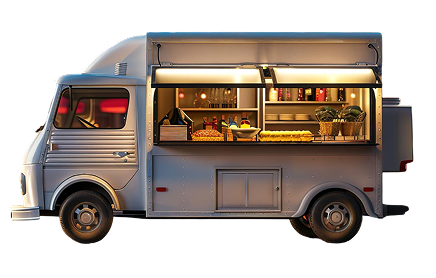
Food Truck
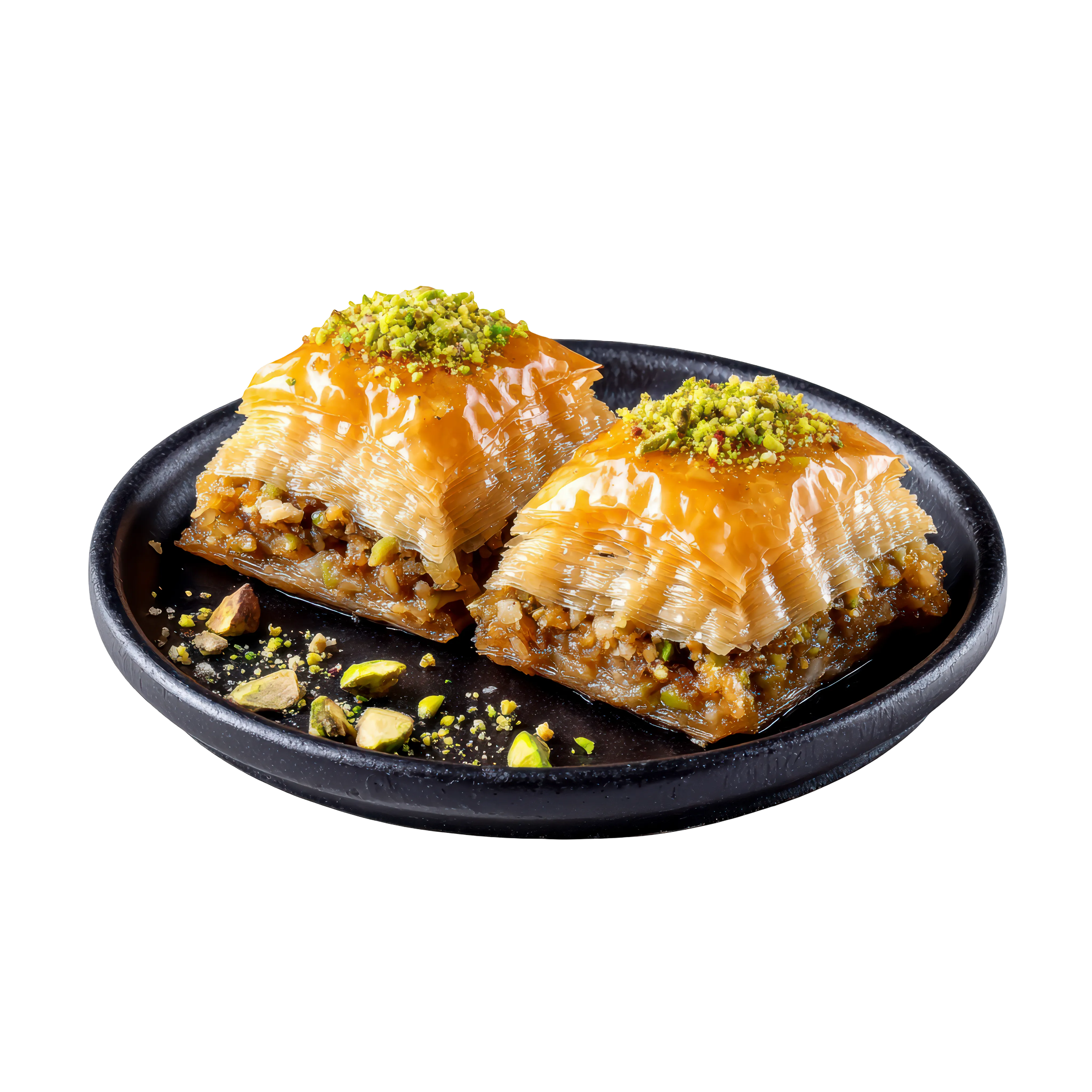
Sweet Shops

Bars & Pubs
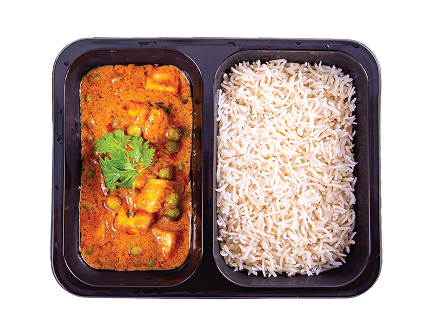
Train Catering
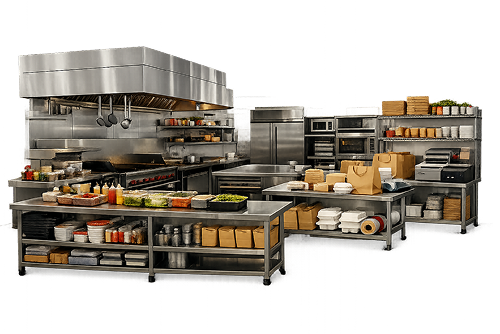
Cloud Kitchen
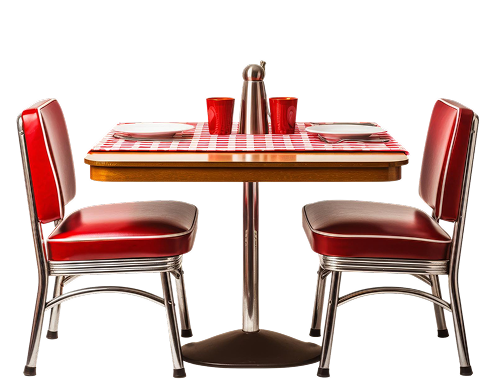
Food Court
Watch First, Decide Later!
Whether you run a fine dine restaurant, a cafe, or a food court, QueueBuster is built to handle it all. See how restaurants across the UAE are running smarter with QueueBuster.
Global Recognition, Unmatched Excellence!
Our POS solution is not only empowering businesses but is also garnering global recognition with
its smarter operations and enhanced customer experiences. Trusted by businesses worldwide,we are
strongly committed to their excellence and growth.
Book your free demo now!
Fill in your details and our team will get you started.
Enter your Email ID
Share your email ID and we'll get in touch to help you out
Trusted By 75,000+ merchants
Unlock Your Business Potential With QueueBuster
00,000
Merchants
00+
Integrations
00+
Countries
0,000,000+
Monthly Invoices




Contact Sales
Enter your Email ID
Share your email ID and we'll get in touch to help you out
Trusted By 75,000+ merchants
So what are you waiting for?
Connect with our enterprise sales experts and get comprehensive POS Solutions
tailored for your large business.
FAQs for UAE Restaurant POS Software
All you need to know about the product and seamless billing
Why is QueueBuster POS ideal for UAE restaurants?
Can it handle multiple outlets and kitchens?
Is it suitable for small cafes as well as large restaurants?
Does it support bilingual invoices and menus?
Can it integrate with delivery apps?
View More
Book your free demo now!
Fill in your details and our team will get you started.
Enter your Email ID
Share your email ID and we'll get in touch to help you out
Trusted By 75,000+ merchants
Couldn’t Find What You Wanted?
Worry not, just send us your inquiry and wait while our Restaurant POS
experts contact you.
Insights to
Grow Your Business
No blogs available